Switching payroll software mid-year: records and checks to prepare
Prepare employee records, year-to-date figures and a clear filing handover before moving payroll to another system.
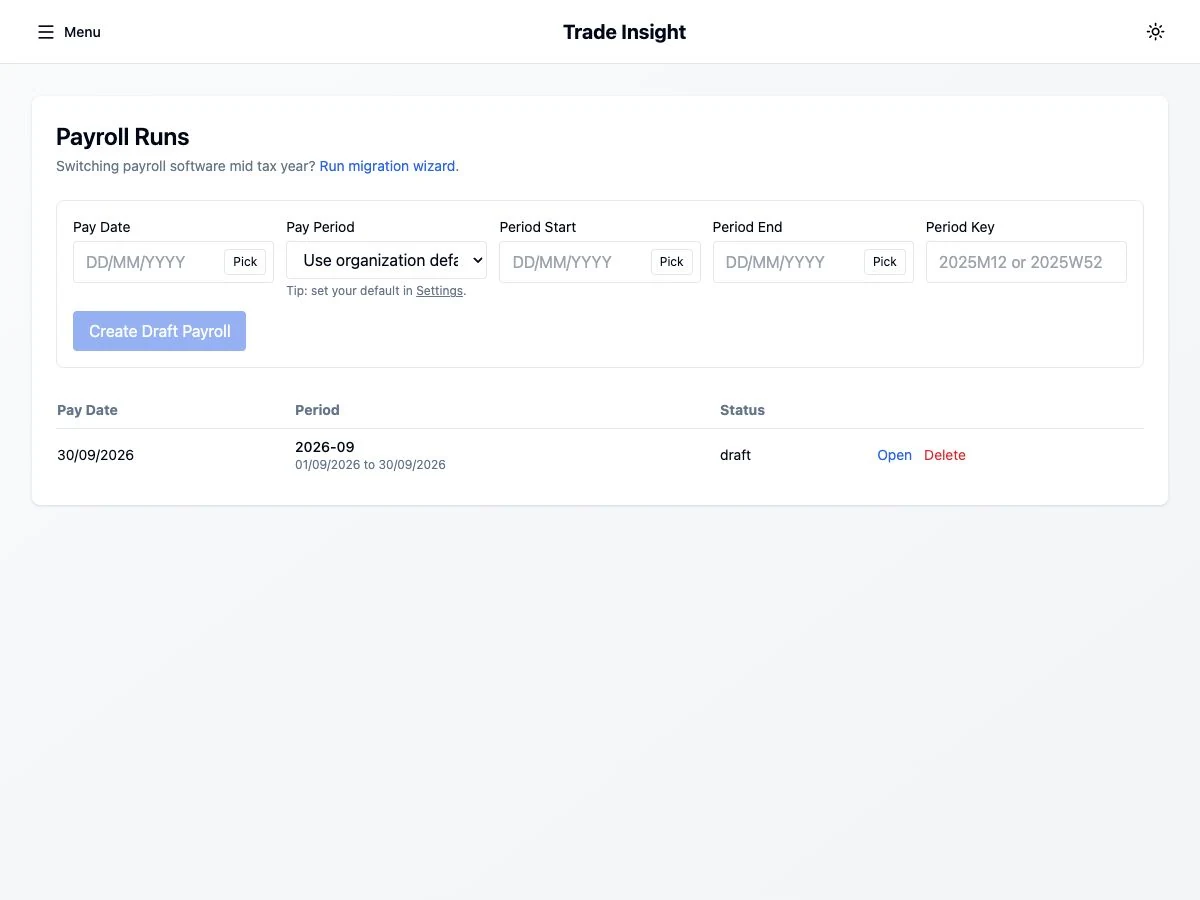
Choose a cutover with a clear owner
A payroll move is a records and responsibility exercise as much as a software choice. Write down the last pay period handled by the old system, the first period handled by the new system, and who is responsible for each submission.
Avoid arranging the move so close to payday that there is no time to investigate differences. Confirm access to historic records before ending an existing subscription. Exported data should be readable and complete enough for the records you need to retain.
Prepare a controlled record pack
Gather the data relevant to your employees and payroll setup. Transfer personal records securely; a public enquiry form or ordinary marketing email is not a suitable destination. Your accountant or payroll adviser can help identify the fields needed for the migration.
- Employer references, pay frequencies and the last completed period.
- Employee identity and payroll identifiers, employment dates and current tax-code instructions.
- Year-to-date pay and deduction records needed by the receiving system.
- Pension arrangements, statutory-pay records and other applicable deductions.
- Copies of previous submission results and a record of outstanding corrections.
Reconcile before relying on the new figures
A fictional migration might start with cumulative taxable pay of £18,000. That is an opening figure to reconcile against the old records, not a new payment to add to the next run. The exact treatment depends on the receiving system and the fields involved.
Compare employees individually as well as in total. Check rounding, cumulative figures and employee identifiers. If the same worker appears twice, or historic pay is being counted again, stop and resolve the setup before live filing.
Compare outputs without duplicating returns
A comparison run can help reveal differences, but it needs an explicit filing boundary. Agree one submitting system for each return and record the decision. Keep comparison work separate from live submissions.
Do not describe a move as automatic until the actual import has been tested with your records. A feature labelled “import” may cover only part of the data you need. Ask what is imported, what must be entered manually and what you must check yourself.
Plan the move with support
Trade Insight offers a setup appointment and follow-up as part of its paid introduction. Use that time to discuss your current records and agree practical next steps. Automatic migration and unlimited support are not promised.
Explore the live demo first, then read the switching page and current packages. The decision should follow a successful check of your requirements, rather than a deadline to stop using the old software.
Sources and further reading
Official guidance checked for this publication. Check the linked guidance for subsequent changes and the rules that apply to your circumstances.
Keep exploring
- From weekly timesheets to payroll: a trade employer’s workflow
- What does an employee actually cost your business?
- Choosing payroll software for a small UK trade business
Labour-cost calculator → · Payroll software for trade employers →